How to start stock count
Let's get you started with your first stock count using the software. First click on "Stock Count" and then choose Start New Count
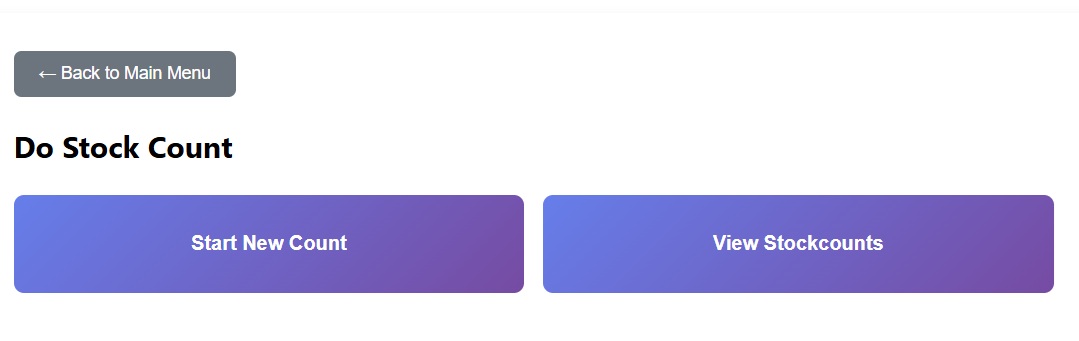
Let's get you started with your first stock count using the software. First click on "Stock Count" and then choose Start New Count
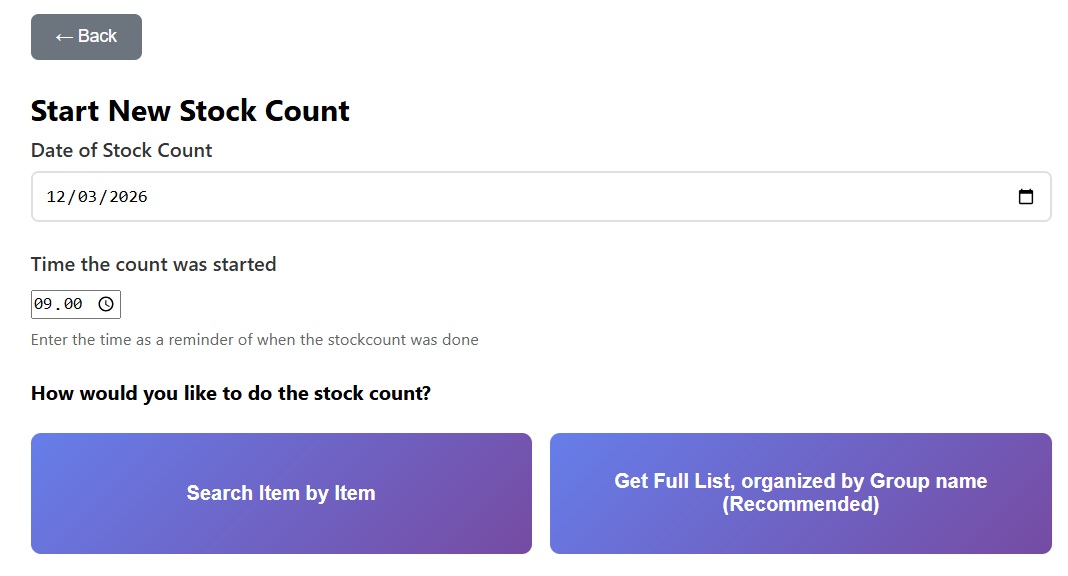
Choose your count method. Counting item by item is good if you wish to systematically work through the stock in order (shelf by shelf, section by section). Search for the item, add the quantity, search for the item, add the qunatity, etc. Alternatively you can just get the Full List presented to you and ordered by group name. Therefore you can also use the group name to control how you are presented with the count.